 Add to Discord

Rich Presence
Your status sets the table
Friends see what you're playing: the rules, the round and how many seats are still open, with your companion's portrait beside it. Anyone in the voice channel can join your table in one tap.
Now on
Start Mahjong Space from any Discord voice channel and up to four friends sit down at the same 3D table, with a companion animal cheering every Pong, Kong and Hu. Bots fill any empty seats, so a game is always ready.
Free to play on desktop, web, iOS and Android · English, 日本語, 简体中文
 Mahjong Space


 Mahjong SpacePlay with friends · MCRRound 2/4 · Hand 3/4 (3 of 4)14:32 elapsed
Join a voice channel in your server, or start a call with friends.
Open the Activities launcher and pick Mahjong Space. Add it to your account once with Add to Discord.
Friends in the call tap Join and take a seat. Start when you're ready: bots fill any empty seats.
Friends see what you're playing: the rules, the round and how many seats are still open, with your companion's portrait beside it. Anyone in the voice channel can join your table in one tap.
Play in Discord on Windows, Mac, Linux and the web, or on the iPhone and Android apps. Phones turn the table to landscape, and when you pop the activity out or shrink it to the mini player, the hand plays on.
Seats glow when a friend speaks in the voice channel, so table talk, trash talk and the occasional groan over a missed Pong land exactly where they should.
Pick Mahjong Competition Rules, with winds, dragons and rich scoring, or Sichuan Bloody Rules, where you clear a void suit and play on until three players win. A narrated tutorial and a 3D glossary of winning hands teach you as you go, and every match ends on a podium.
Read the rules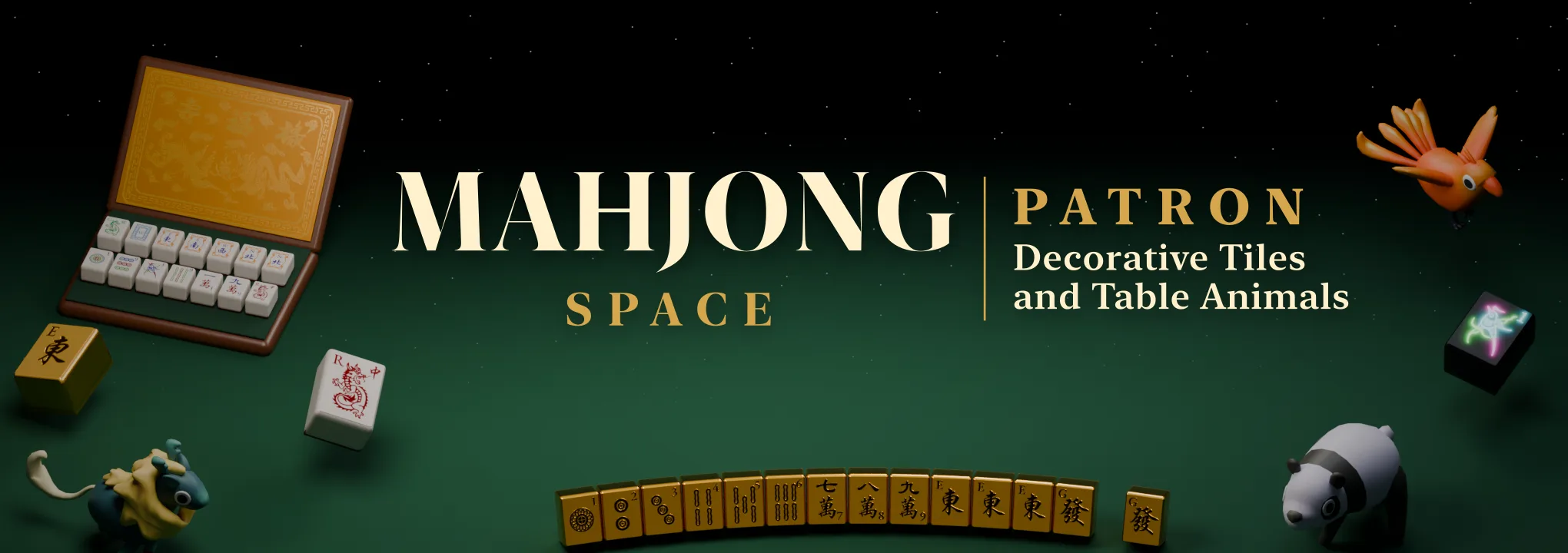
One purchase inside the activity unlocks the Dragon, Golden and Neon tile sets and every table companion, with more on the way. Patron belongs to your Mahjong Space account: sign in with the same email on the web, Android or Meta Quest and your tiles and companions are there too.
Optional one-time purchase in Discord. Every mode and both rule sets stay free.
 KirinKitsunePanda
 Phoenix
 Sparrow
Five more companions join the twelve zodiac animals at your table.
 Bonus
42 emoji rendered from the game's own 3D art: tiles from every set, all seventeen companions, and Pandaro the panda waving, cheering and calling Hu. Add them to your server and celebrate every win in style.


Server admins can upload them in Server Settings › Emoji. PNG, 128 × 128.
Add Mahjong Space to your Discord account, join a voice channel or call, open the Activities launcher and choose Mahjong Space. Everyone in the call can join the same table.
Yes. Solo games, games with friends, both rule sets, the tutorial and the glossary are all free. Patron is an optional one-time purchase that unlocks decorative tile sets and more table companions.
Up to four people share a table. Bots fill any empty seats, so two or three friends can still play a full game.
Discord on Windows, macOS, Linux and the web, and the Discord apps for iPhone, iPad and Android. Phones play in landscape.
Not for solo play. To play with friends, sign in with Discord in one tap. Mahjong Space is also on the web, iPhone, iPad, Android, Apple Vision Pro and Meta Quest.
Your friends are already in voice. Deal them in.


